Introduction to Playwright
Part of Getting Started with Playwright in the Playwright End-to-End Testing learning path.
Why Teams Choose Playwright
Playwright is an end-to-end testing framework built for modern web apps. It provides browser automation, resilient locators, built-in waiting behavior, and strong debugging tooling in one package.
For teams shipping frequently, that combination matters more than raw automation alone. Good test tooling reduces flakiness, shortens feedback loops, and makes failures easier to understand.
What Playwright Gives You
Unified Cross-Browser Coverage
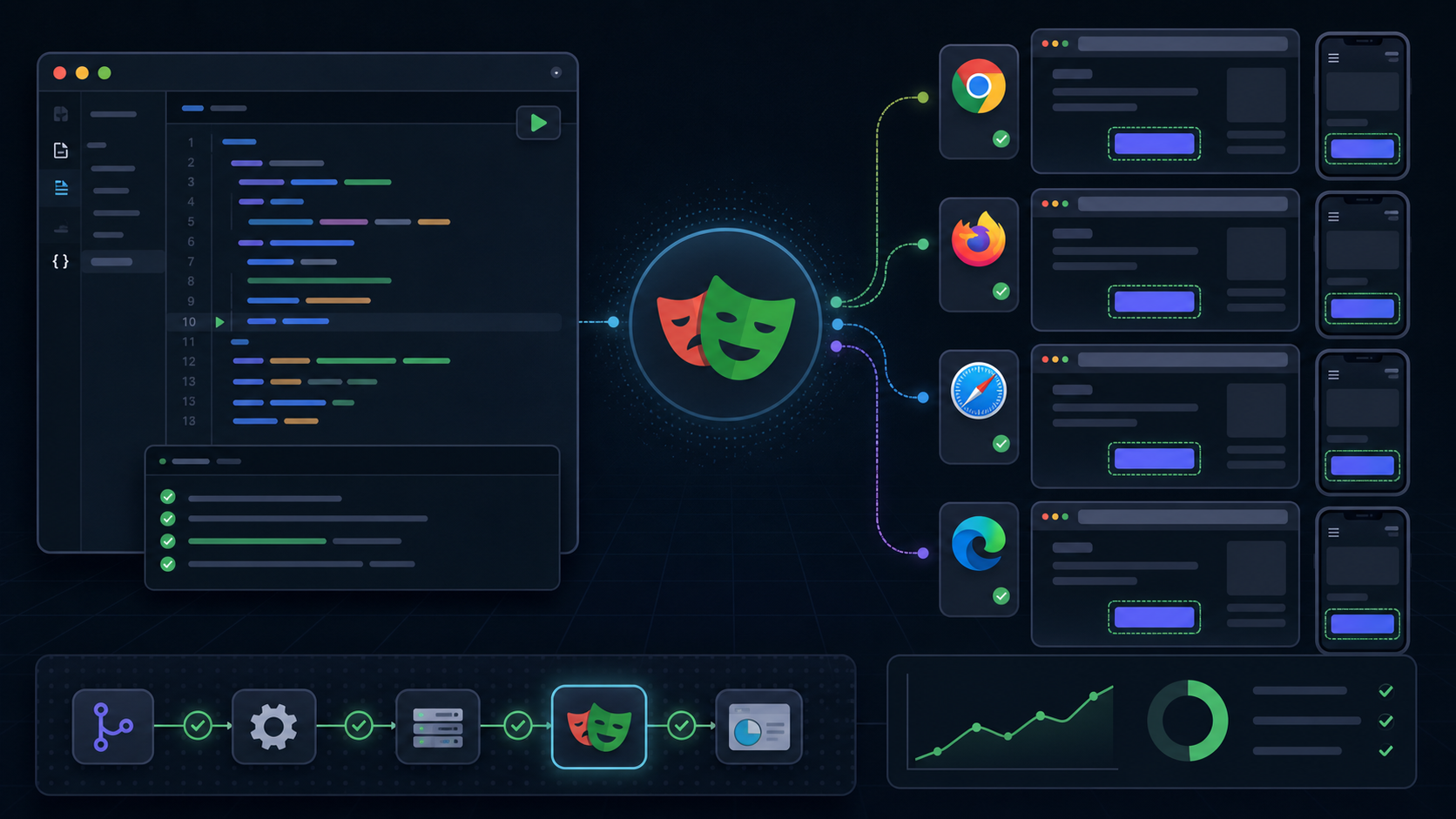
With one API, you can run tests against Chromium, Firefox, and WebKit. That makes it easier to catch rendering and behavior differences before they become production issues.
Reliable Waiting Model
Playwright auto-waits for elements to become actionable. That removes a large class of brittle sleep()-style test code.
Better Debugging
Trace Viewer, screenshots, videos, and step-by-step inspection make it much easier to diagnose failures than older browser automation stacks.
1import { test, expect } from '@playwright/test'23test('user can sign in', async ({ page }) => {4 await page.goto('https://example.com/login')5 await page.getByLabel('Email').fill('engineer@example.com')6 await page.getByLabel('Password').fill('super-secret-password')7 await page.getByRole('button', { name: 'Sign in' }).click()89 await expect(page.getByRole('heading', { name: 'Dashboard' })).toBeVisible()10})Core Concepts to Understand Early
| Concept | Why It Matters |
|---|---|
page | Represents a browser tab and is your main surface for automation |
| locators | Encourage stable, user-facing selectors instead of brittle CSS paths |
| assertions | Give you reliable checks with automatic retrying |
| projects | Let you run the same suite across browsers, devices, or environments |
Where Playwright Fits in a Testing Strategy
Playwright should not carry your entire testing pyramid by itself. It is strongest when it validates critical end-to-end journeys:
- authentication and onboarding
- checkout and payment flows
- role-based access paths
- form submission and validation
- high-value UI regressions
Key Takeaways
- Playwright combines automation, assertions, and debugging into one workflow.
- Auto-waiting and locator APIs help reduce flaky tests.
- Cross-browser coverage is first-class rather than an afterthought.
- The best Playwright suites focus on critical user journeys, not every UI detail.